Jet Blue



JetBlue, an airline company, wanted to rethink their account settings area to make booking and day of travel easier for their customers. They wanted to create a centralized area where users could view their past saved data, make changes, and understand their account. A secondary goal was to align these designs with their design system that was already created by our agency.
Mapping mindsets and goals.
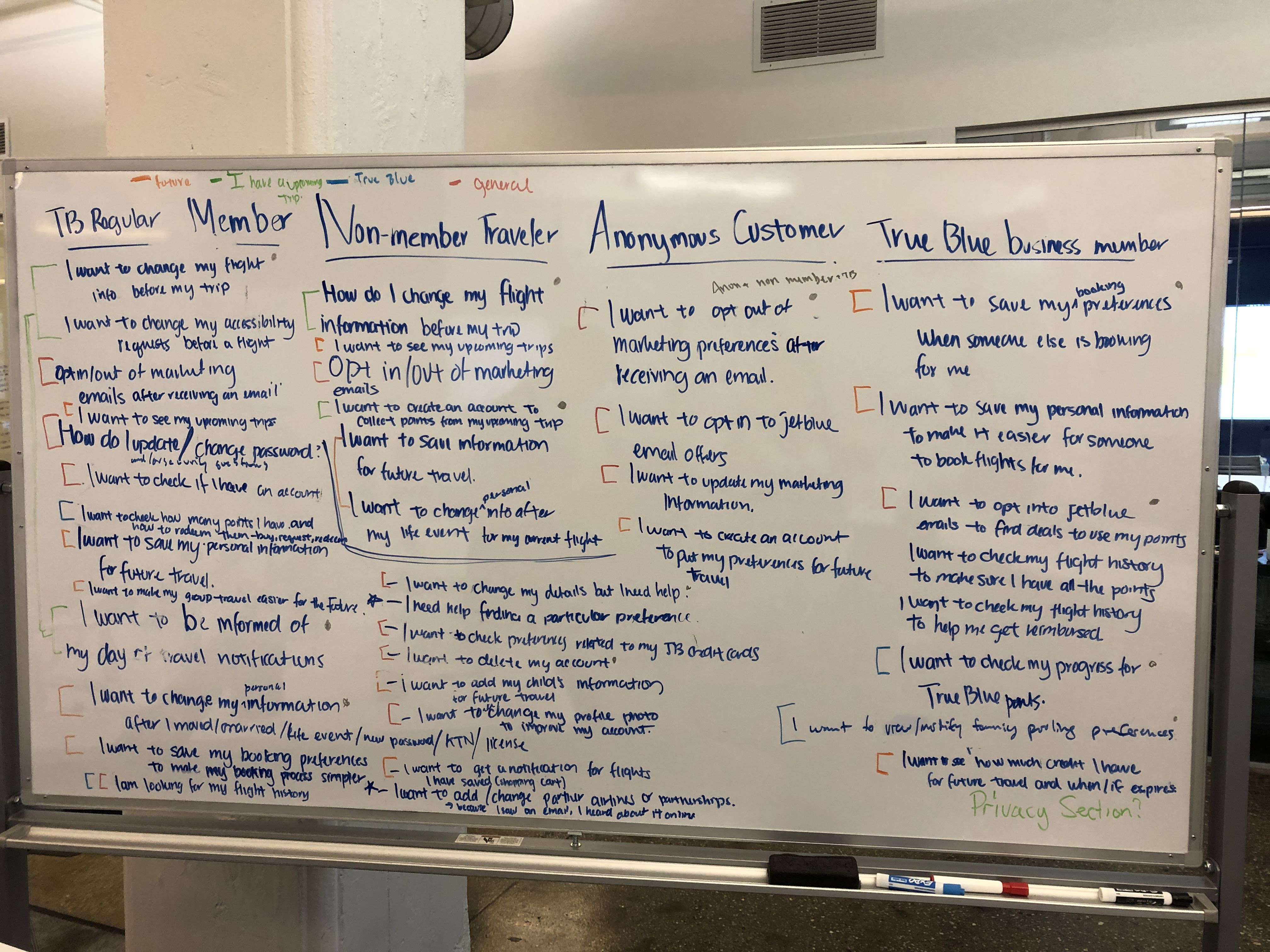
In order to create an account settings area, we needed to understand the mindsets and goals of JetBlue customers. I mapped out why customers might want to come to their account area. Very quickly, I realized one important item — most users would save their information as they booked their flights. They wouldn't come to their account area unless they needed clarification or to edit their saved information. Adding extra detail to why certain items are saved or their purpose seemed important to add in the Preference Center.
Leading a cardsorting workshop.
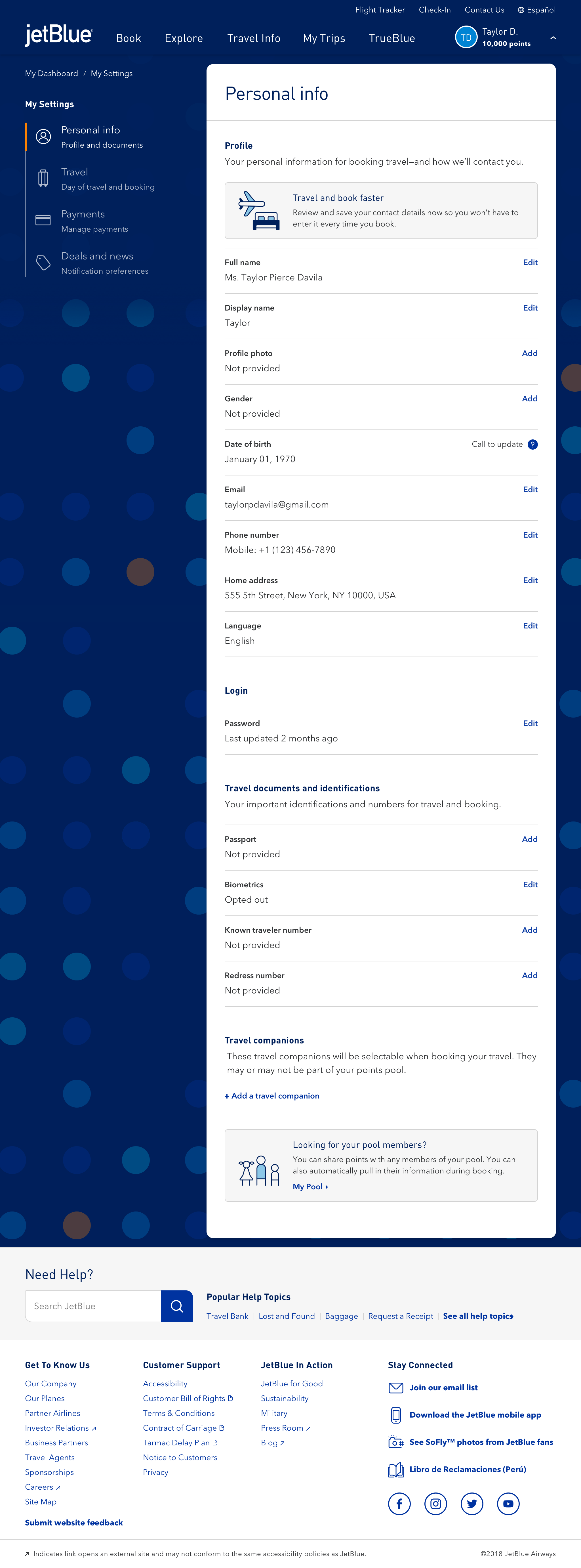
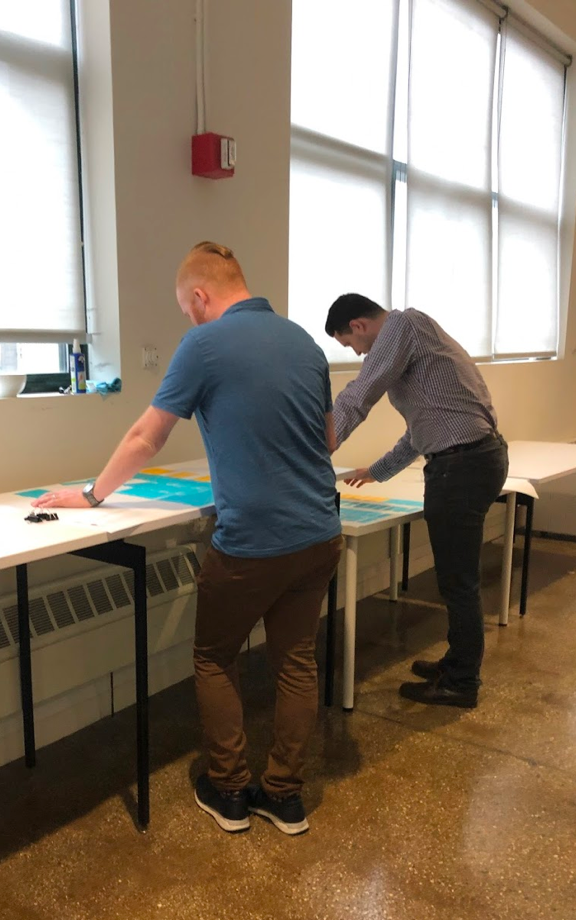
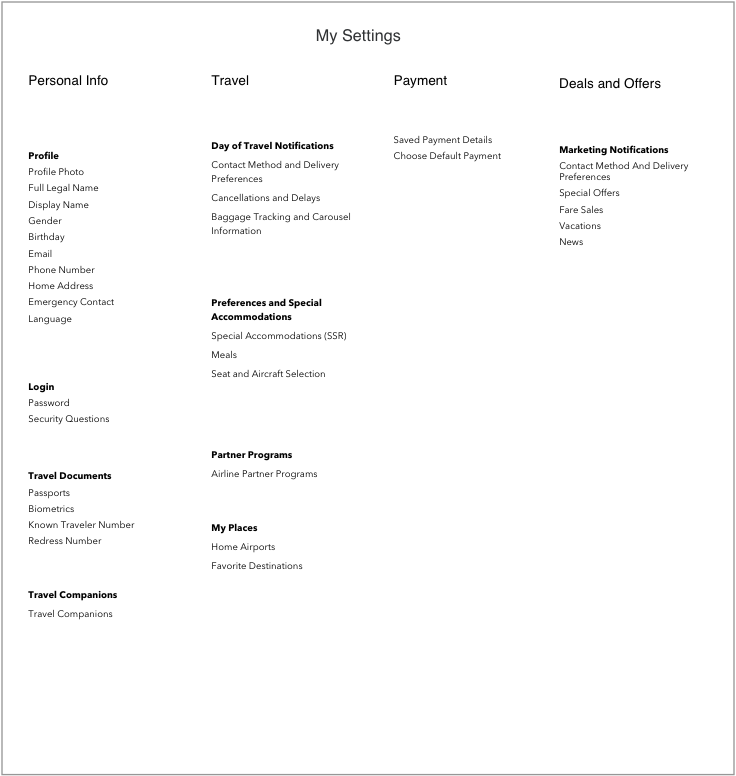
We conducted a cardsorting workshop with the JetBlue team. We used this as a basis to conduct tree testing on Optimal Workshop, testing 75 participants. One of the key findings was that users believed travel documents were a part of the person, which is why they are under personal information.
Defining the strategy behind the experience.
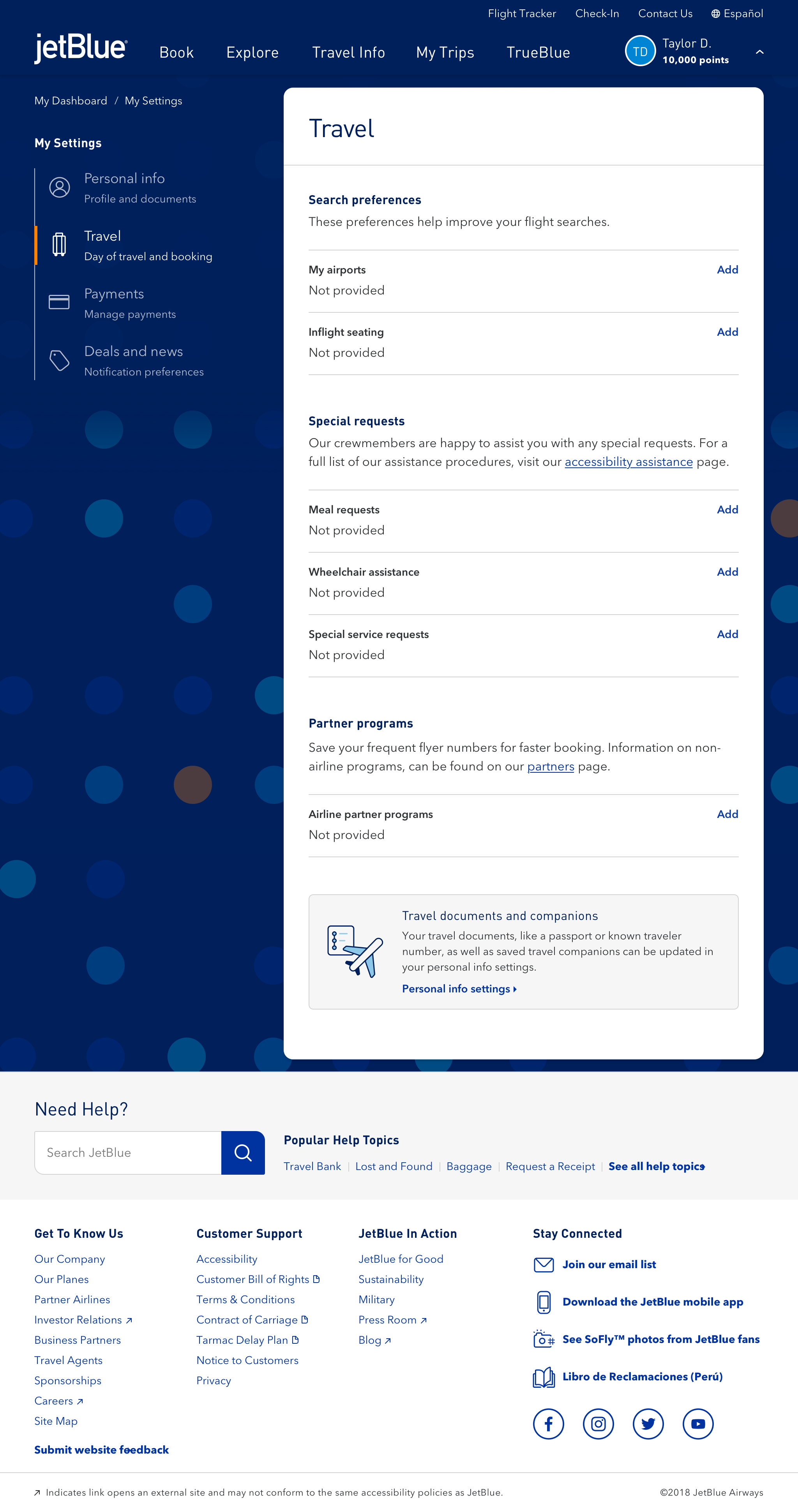
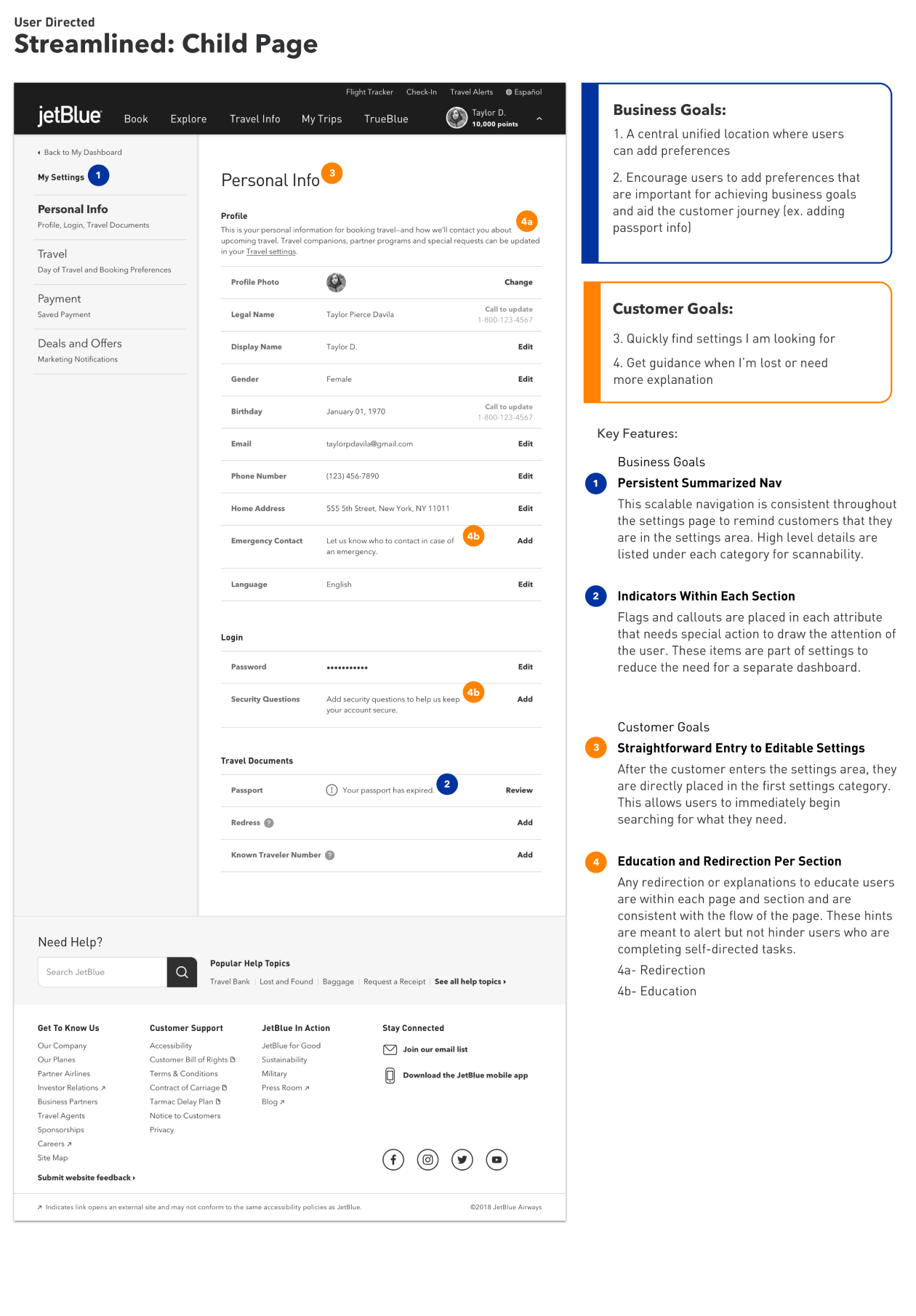
Option 1 was a customer-directed experience where simplicity and scannability are a top priority. Educating the customer, redirection, and action items are part of the flow of the page.
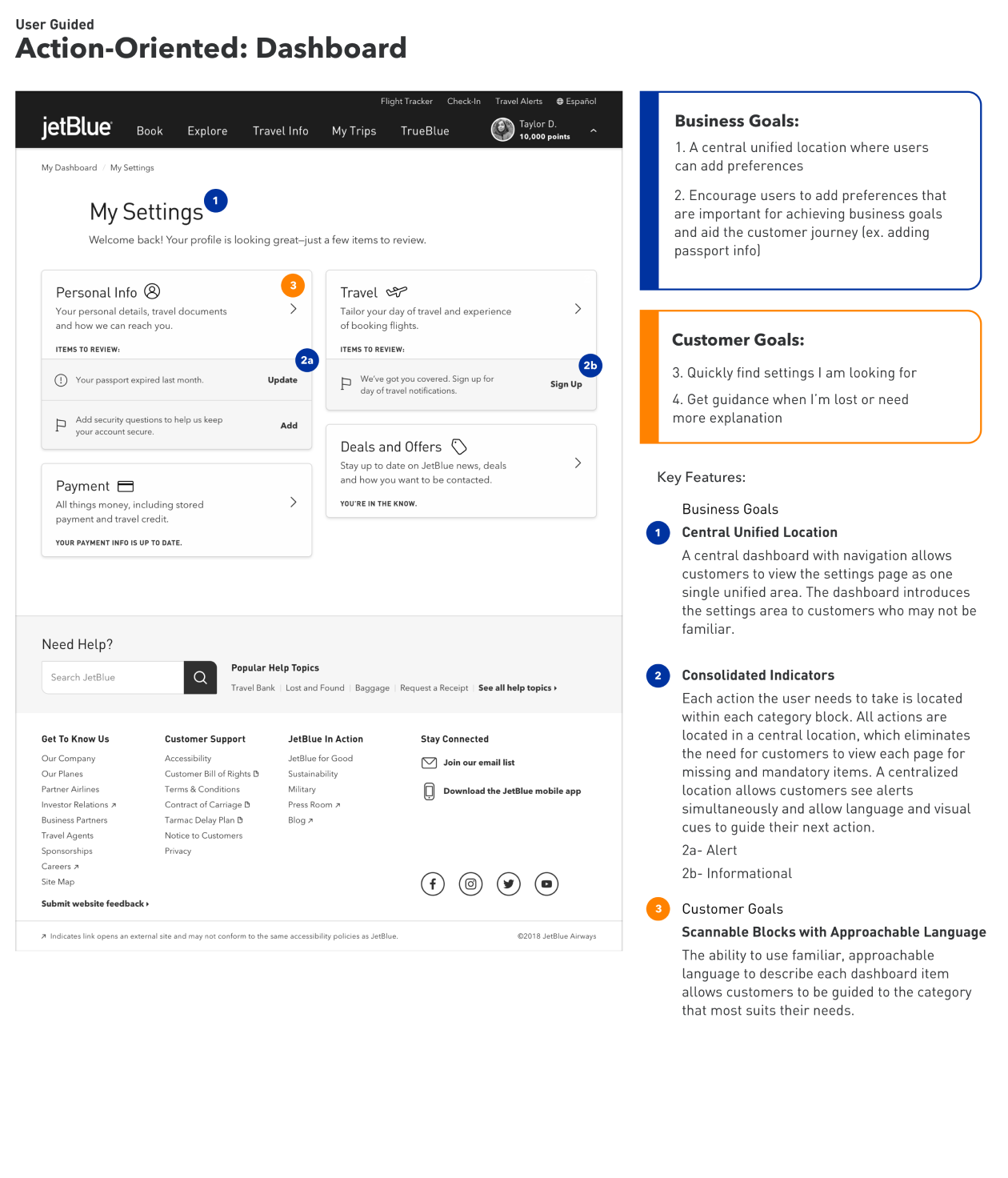
Option 2 was more action-oriented. It is a guided customer experience, where education and action items are a top priority.
They chose Option 1.
Creating new functionality.
For the rest of the project, we worked with the JetBlue team to further design each individual attribute. How should we treat the masking of payment information and restrict the ability to edit certain information? What information needed to be collected for travel companions, and should some information be optional? Using the existing design system, I incorporated it into concepts.
Meeting the accessibility standards of the airline industry.
The airline industry has strict guidelines for accessibility standards. We worked with the JetBlue accessibility expert to make sure that we were thinking about maintaining AAA standards and how each screen would be read by a screen reader for the visually impaired.
Future proofing for planned functionality.
We created a mobile first preference center that included a new saved payment feature, notifications, and more booking features that can help users quickly fill out information as they are booking.
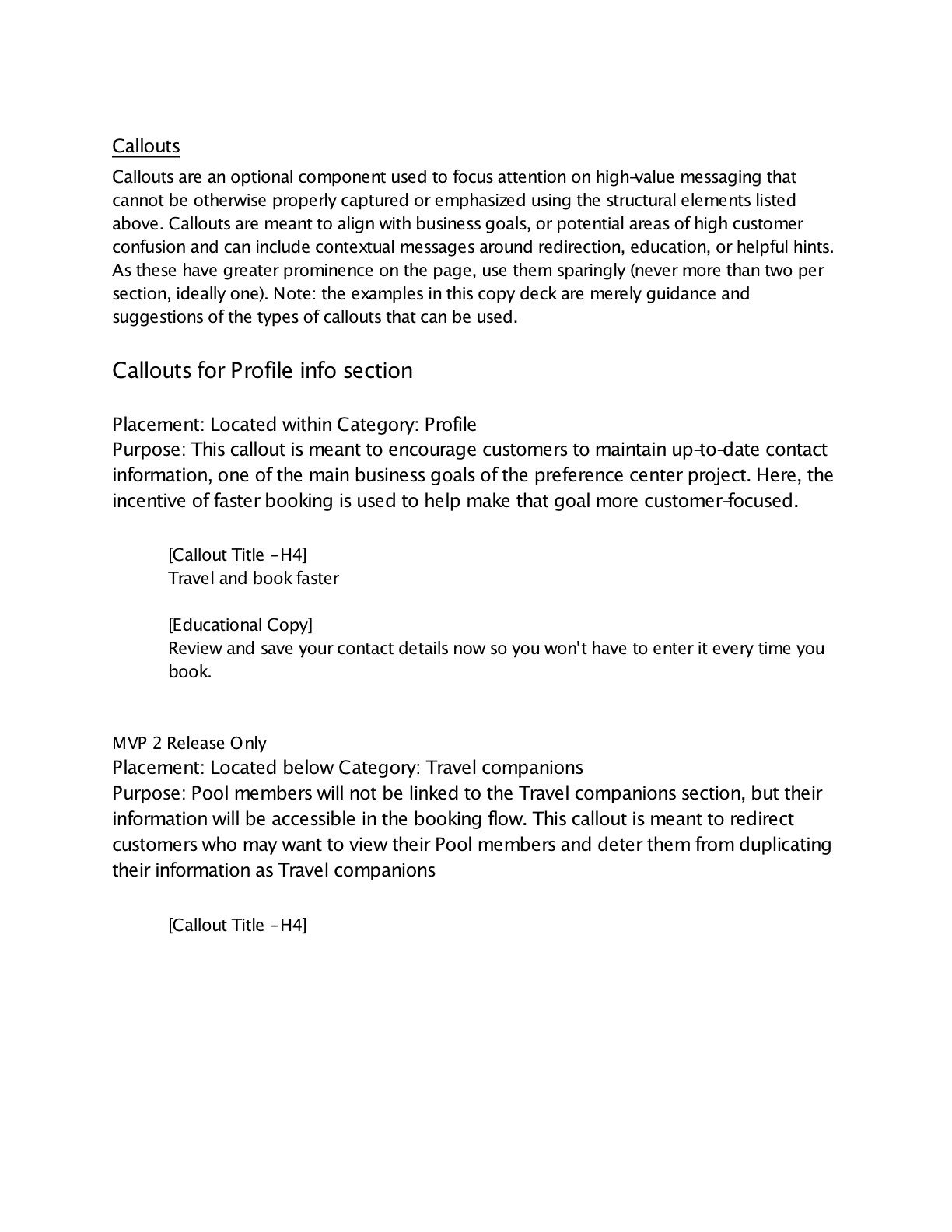
We weren't responsible for copy, but we created a copy deck about certain rules and standards that we learned needed to be communicated to the customers. We presented the copy deck to the copywriter so that she would know to communicate with the customer with items such as how the gender must match the government ID.
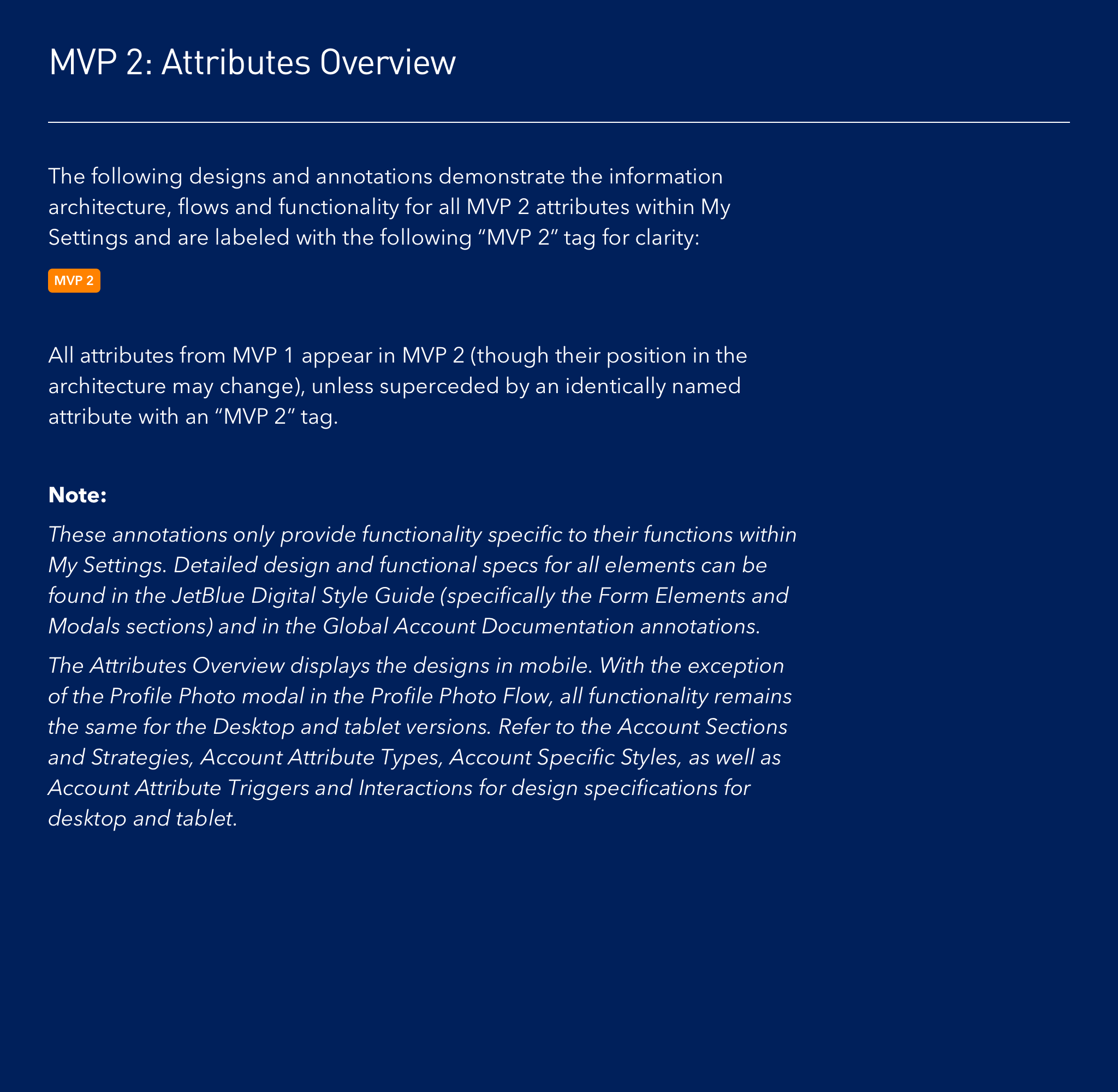
This project was done as JetBlue was also overhauling their booking system. As some of the functionality such as Special Service Requests and passport information would not be included until after the booking system went live, we added annotations that explained what we learned and how they need to match in the booking system.