Mayo Clinic
Patients need to navigate around a vast campus while they are receiving care.
Mayo Clinic is not your typical doctor's office or hospital. It's a sprawling oasis that spans multiple buildings and campuses and is home to the most renowned healthcare clinicians worldwide. There is a reason why they are number 1 in the hospital space, and they have a desire to be number one in their digital experience. One of the biggest pain-points for patients is navigating around campus. Mayo partnered with a startup that created a basic navigational app and established bluetooth beacons within the campus. My goal was to do some research to determine how patients can better navigate throughout campus.
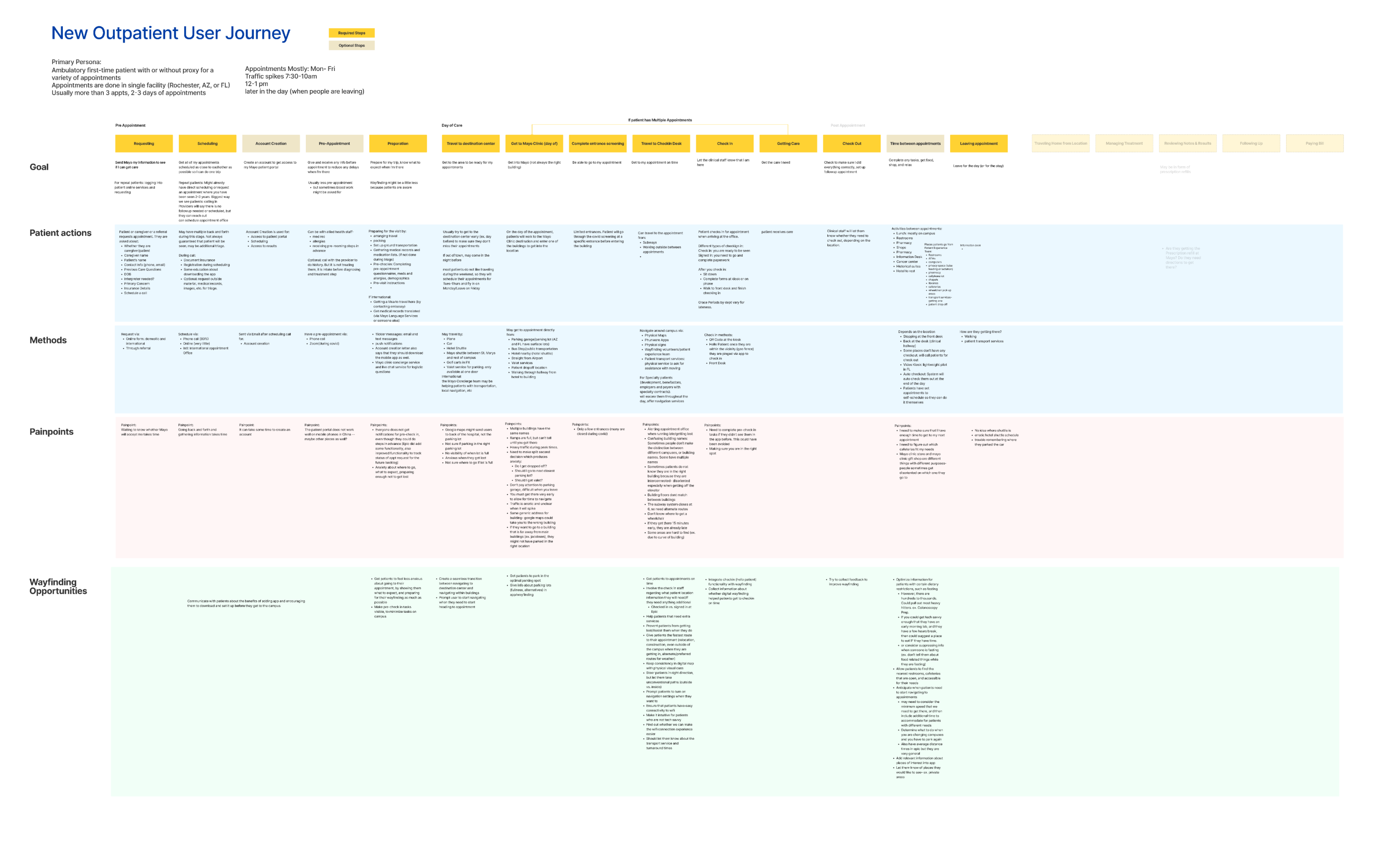
Mapping out a user journey before I get onsite.
Before I went onsite, I wanted to talk to several of the stakeholders to better understand how the patient journey could be mapped out. I talked to the office of access management, which oversees the digital scheduling experience. I found out that there are wayfinding volunteers that stand in strategic places where patients get lost in order to help them out. I decided to make a mental note to talk to them onsite as well.
Wayfinding volunteers get asked so many questions.
Most questions were about special needs bathrooms and directions to get to their appointments. A few of them also asked about where to find specific places.
- "Where is radiology? I have to get there fast!" — Turns out that they are there for a CT scan, which is the Gonda building west desk
- Where is the hotel? If it's 2–3 steps, usually give them the steps, but then ask them to stop and ask anyone. Also use the chocolate oasis as a landmark?
- Is there a Caribou?
Patients are busy while getting care, and they want to be prepared.
I had the privilege of being able to interview patients and followed them from appointment to appointment. One recurring theme was that their care was extensive and unpredictable. New appointments could be added at any time. This helped me think about how strategically we could help patients prepare for their appointments while also helping them navigate when new appointments were added.
So many of these patients described their care as a journey that started months ahead of coming to the medical center. It could have started earlier.
Quick observational studies done to get a sense of the patients at Mayo.
From the interviews, observational studies, and answers from volunteers.
Implementing the insights into the digital map
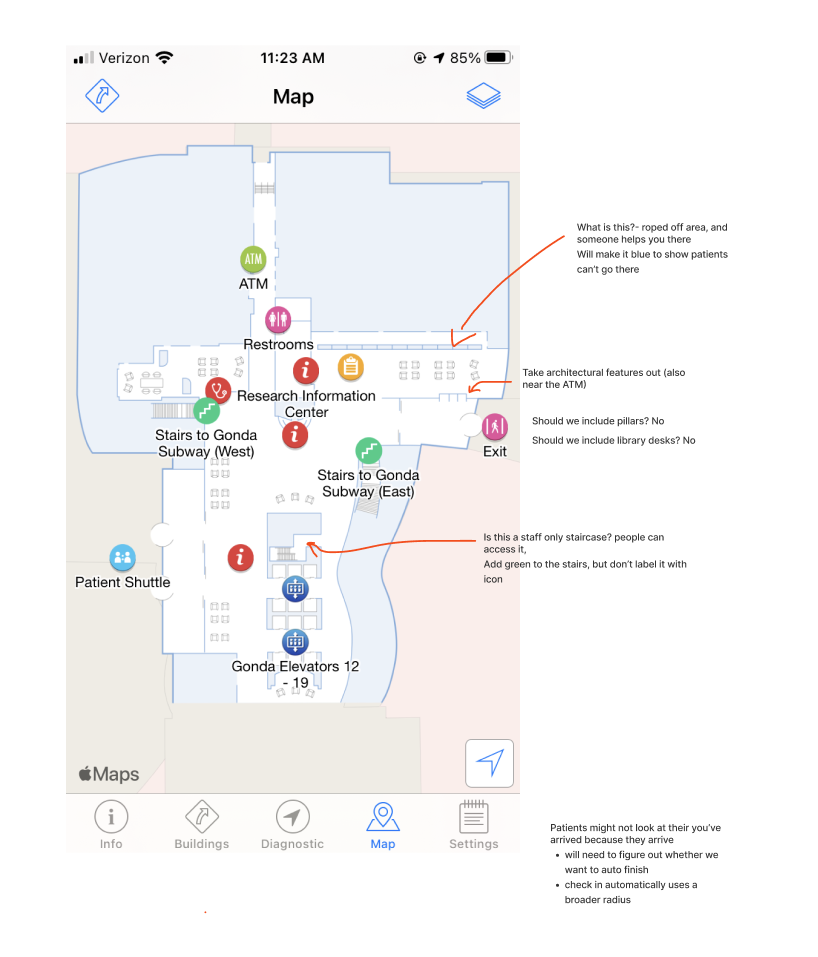
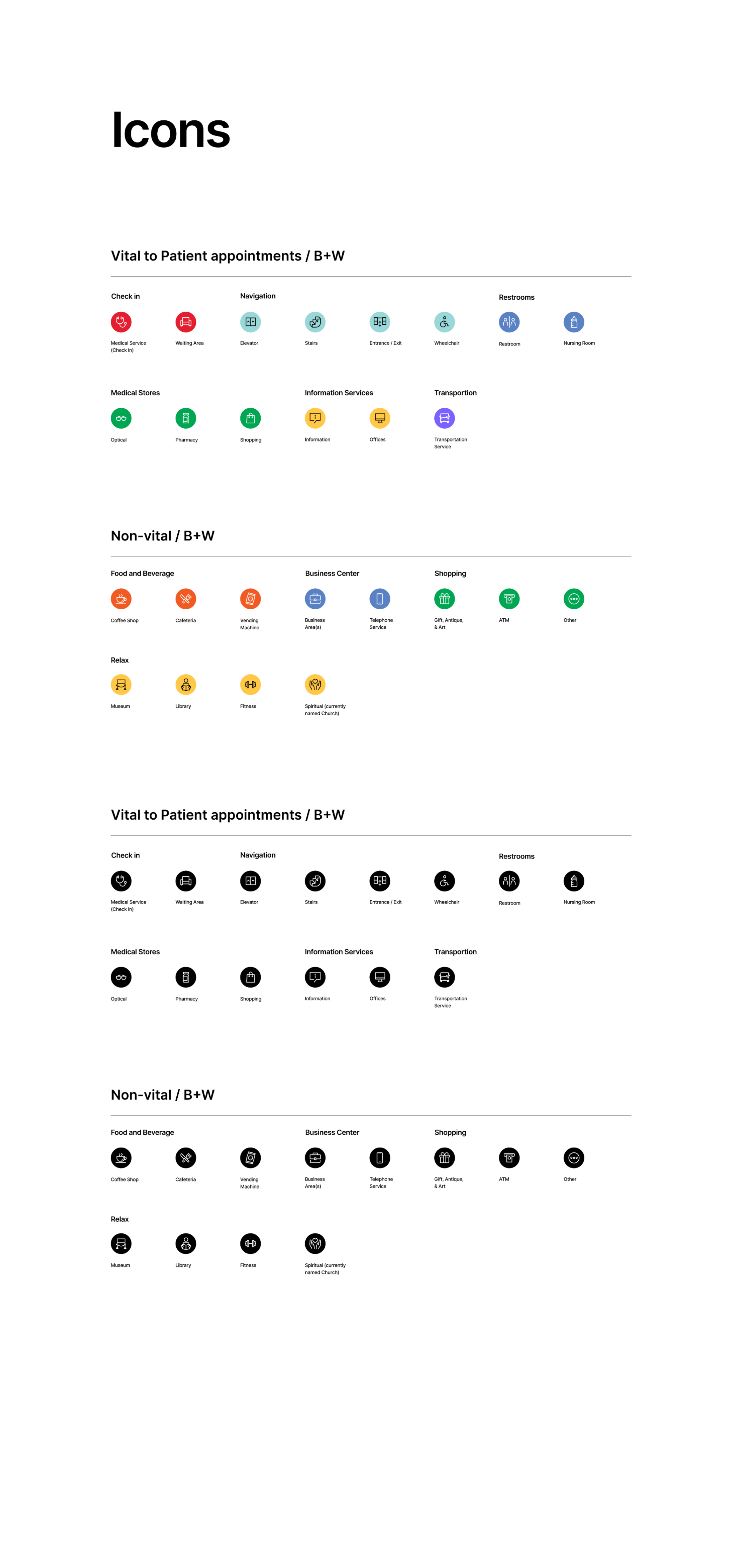
Since patients go to different point of interest areas, they would need to be able to easily identify places such as the special needs restrooms or areas to meditate. One of the items that I started to work on is how we can make sure that our digital map could have better consistent icons and points of interest.
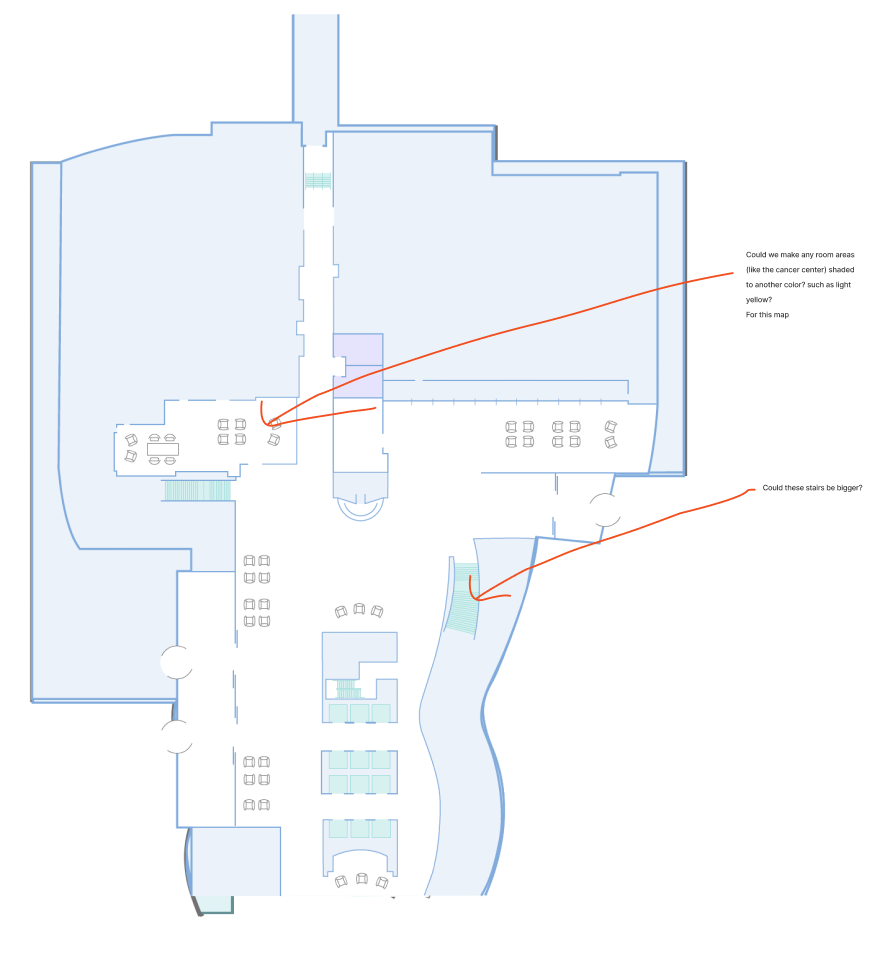
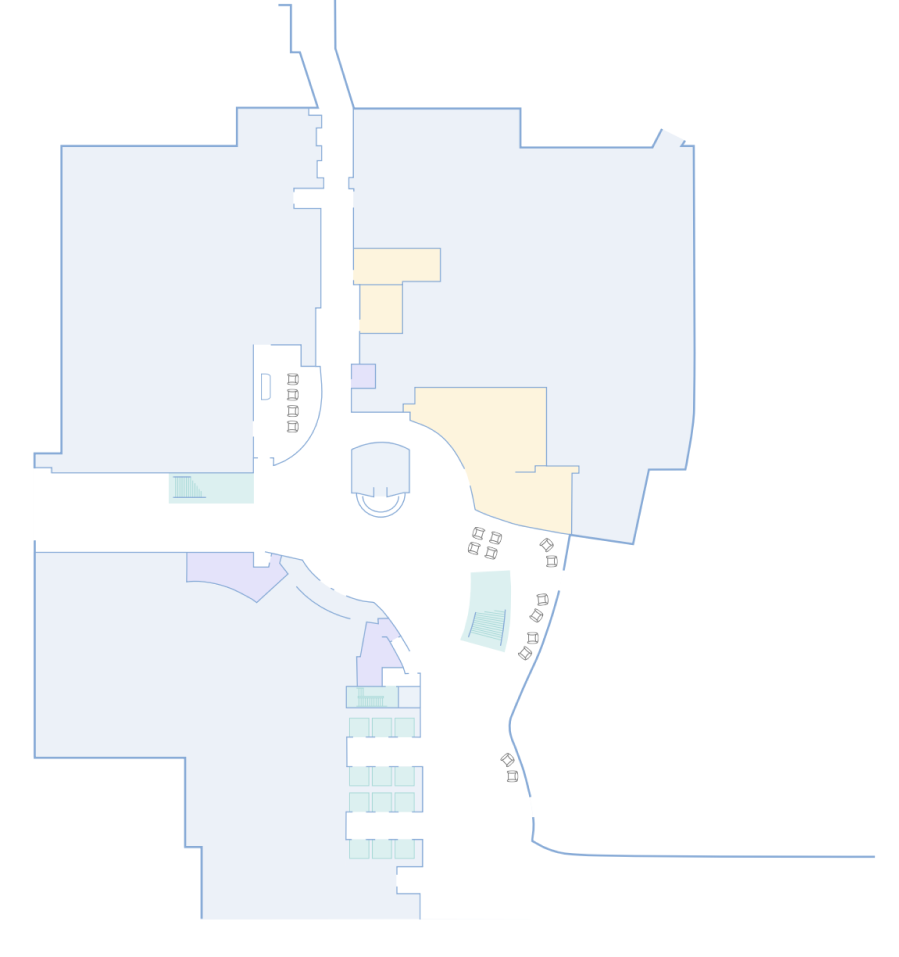
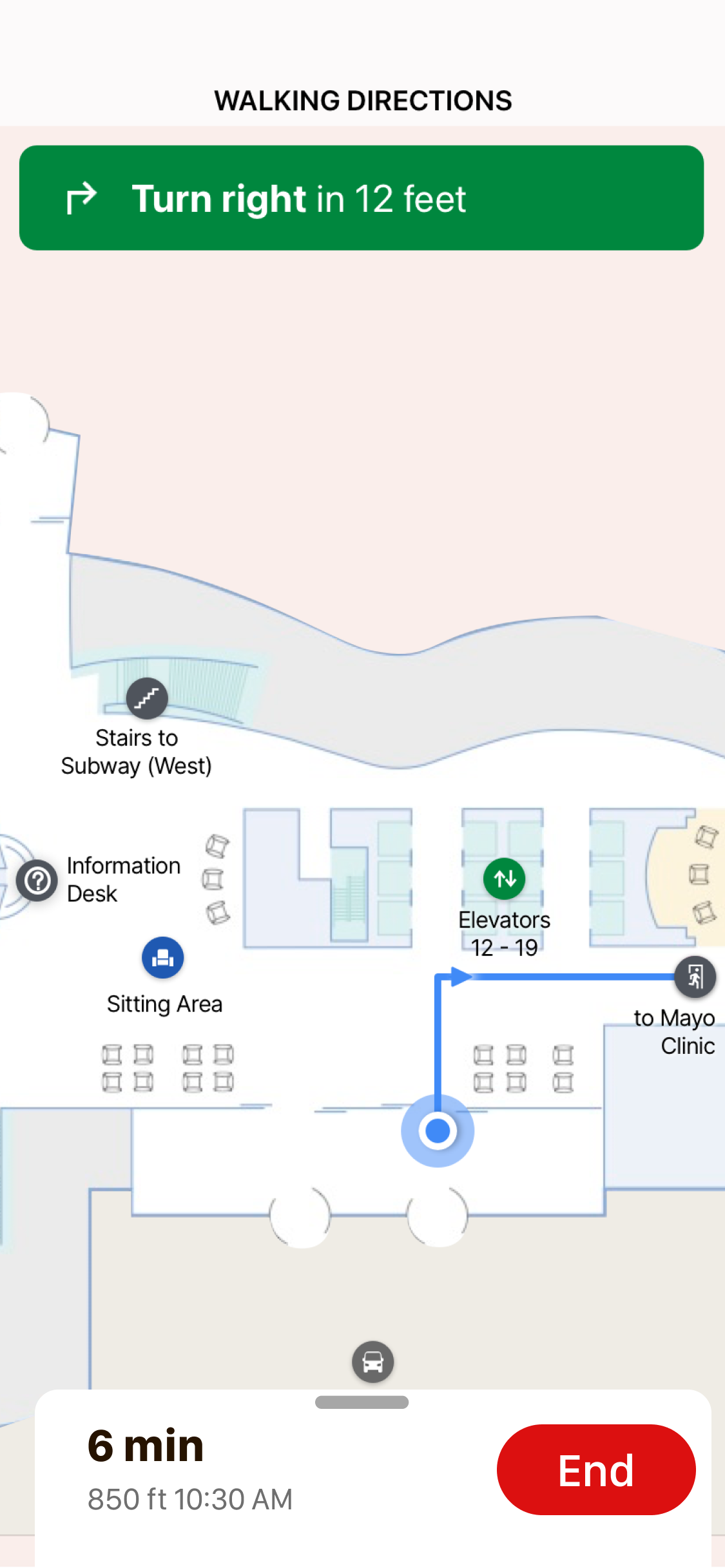
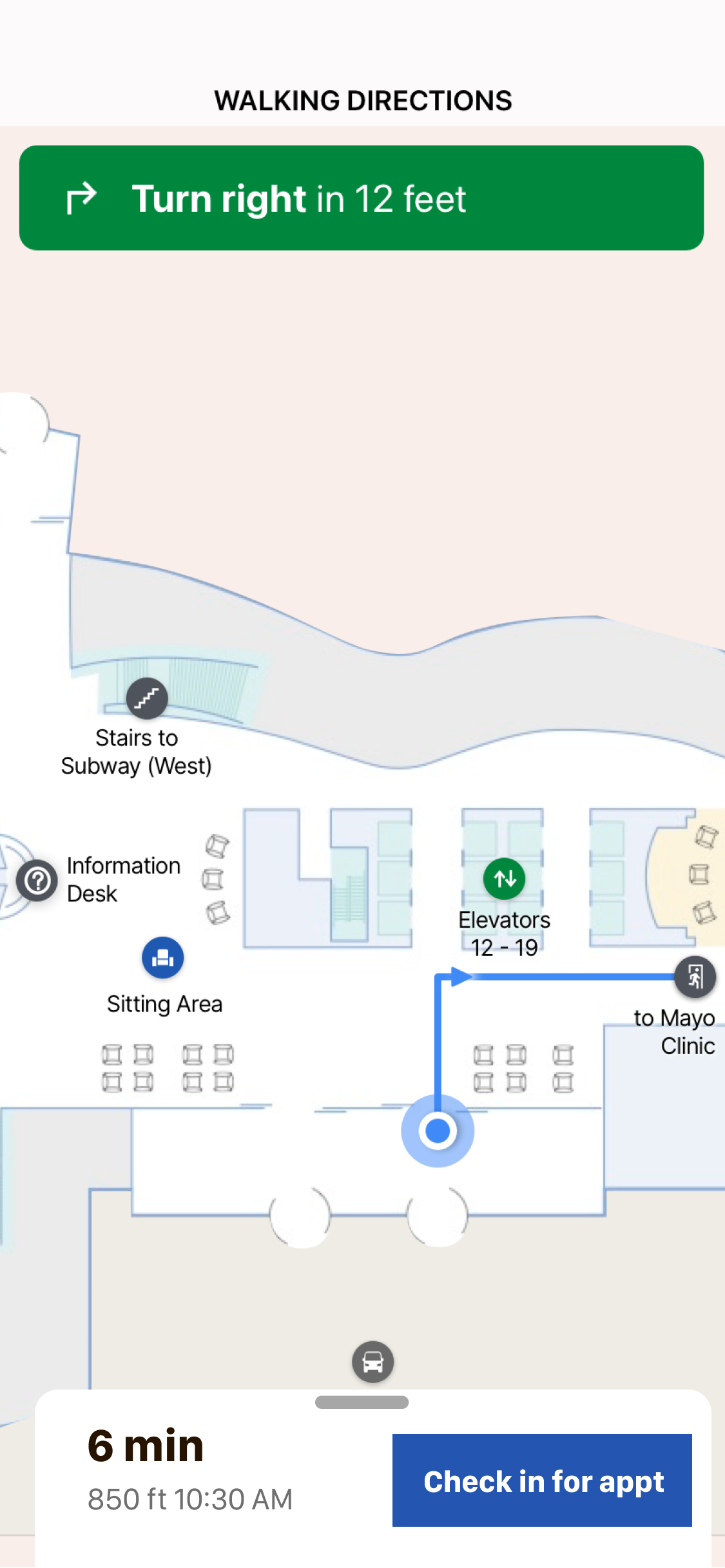
I also worked with the production artist to edit the digital map to make some of the landmarks appear larger than the blueprint, due to the grandness of some of the landmarks such as the staircases. I also shaded the most prominent points of interest, such as the stores and restrooms.
Categorizing points of interest.
The points of interest on a digital map were put into the wayfinding app originally by the vendor, who did not have much information about how the patients thought about these points of interest. In my research, I found which icons were important to patients, and how they categorized these points of interest in their mind. I worked with a visual designer who created the icons while I categorized and created the IA framework.
- Distinguish icons considered vital points of interest (as opposed to areas like cafes)
- Categorize them so that similar icons are similar colors
- Helped determine consistent iconography
- Simplified and changed places to be consistent
Creating a better experience for those key decision points.
They easily got lost when they were getting off of the elevator, so I worked with the technical project manager to determine how we could move some of the beacons to beef up the locations where patients would have a hard time determining where to go next.
How to build moments of trust
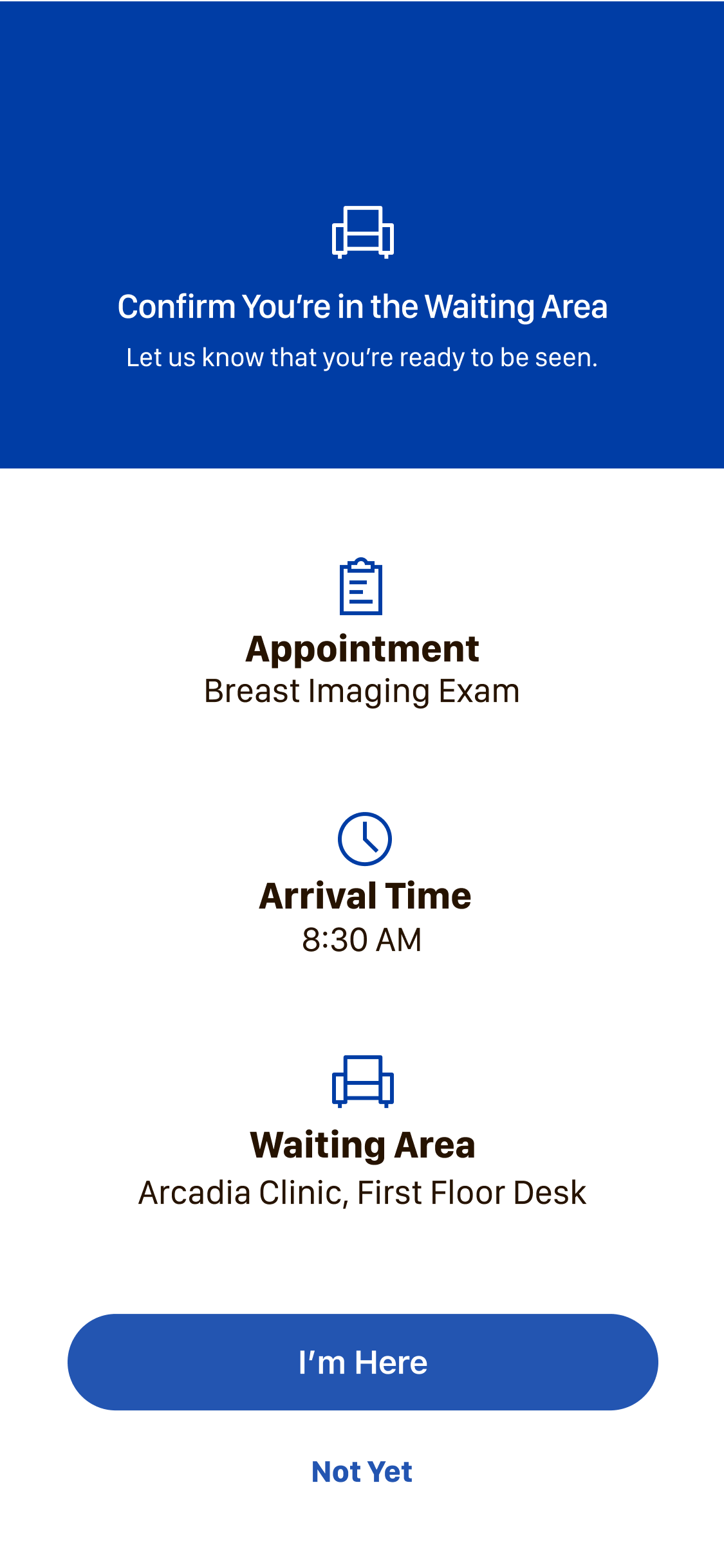
Patients want to be prepared when going from appointment to appointment. One of the future items to include is how we can make sure patients can feel prepared before the day of the appointment. We can allow patients to view points of interest on a digital map so they can feel comfortable once onsite. We can give a list of tips that explain how buildings are connected. As one patient said, they build moments of trust as they are on campus, and preparation is key to building trust.